Slash commands can be invoked from the chat input prompt area.
On the chat prompt, enter a ‘/’ to view the supported commands. The slash commands can be used to
- Fine tune the Avatar AI Tool
- View Models and load models on Avatar AI Tool
- Configure
- Peek at memory
- Build Avatar AI Agents
- Run Avatar AI Agents
Usage:
/[command] [arg] [flags]
/[command] [command]

Examples:
/avatar list

Available Commands:
avatar list, start, build, print
help Help about any command
memory list, print, delete
models list models
settings list, set, get
testbed ui

Flags:
-h, --help help for /[command]

Use "/[command] [command] --help" for more information about a command.
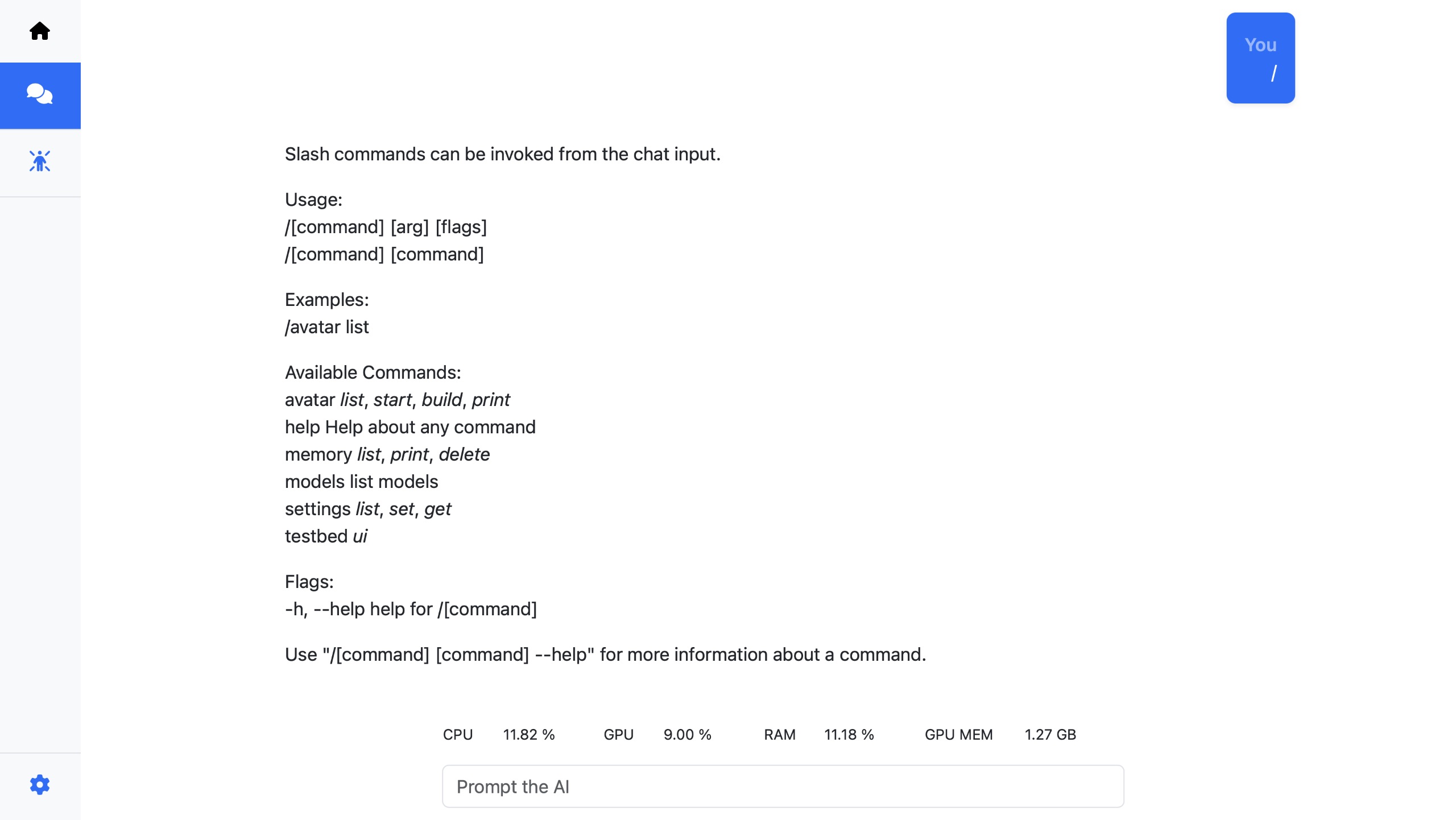
The available commands can be run, by prefixing a ‘/’ before the command.
eg:
- /help - will list the help
- /settings list - will list all the settings