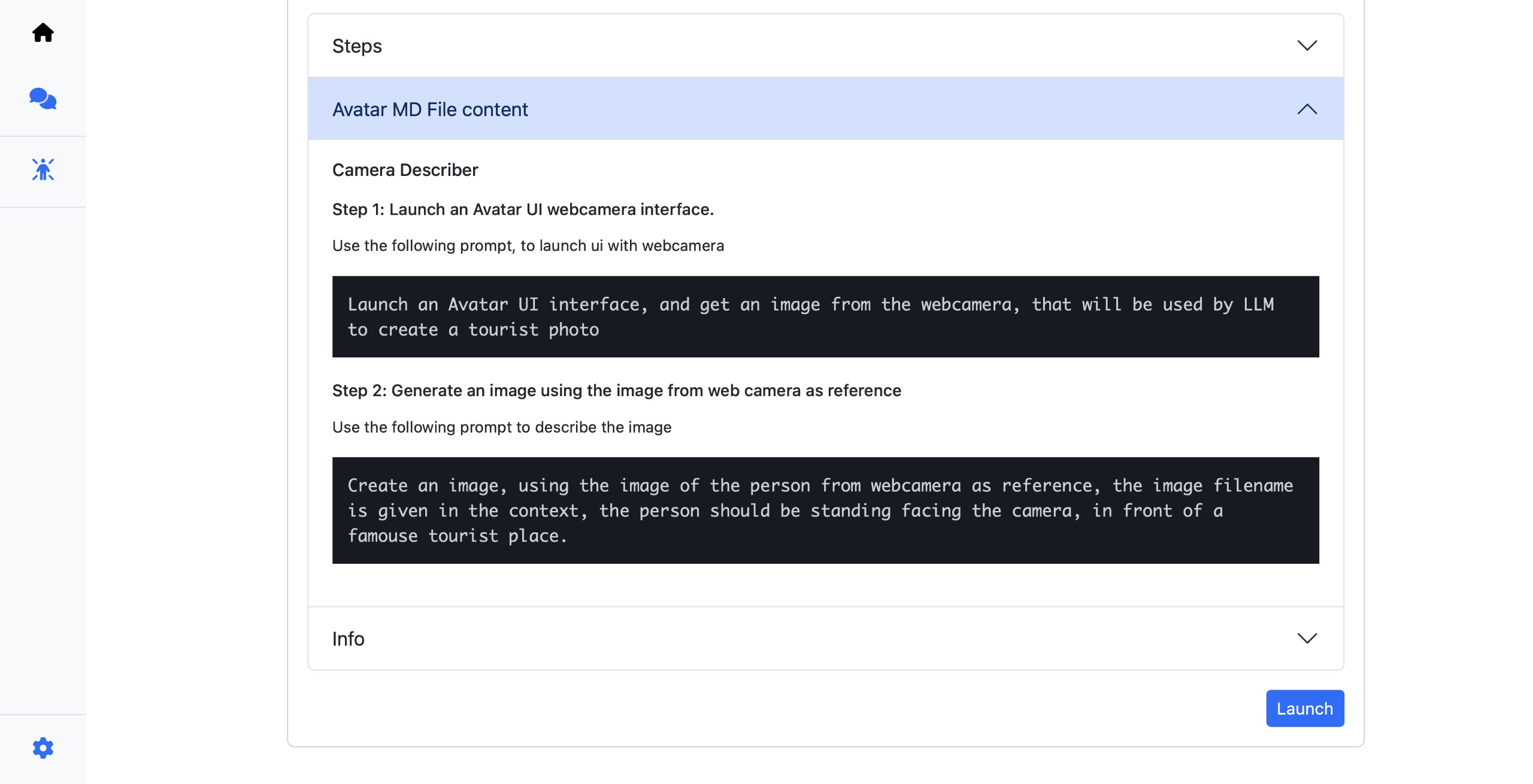
For the latest collection of Avatars, clone this repository.
Avatar Store
Use the slash command to list the avatars present in the store
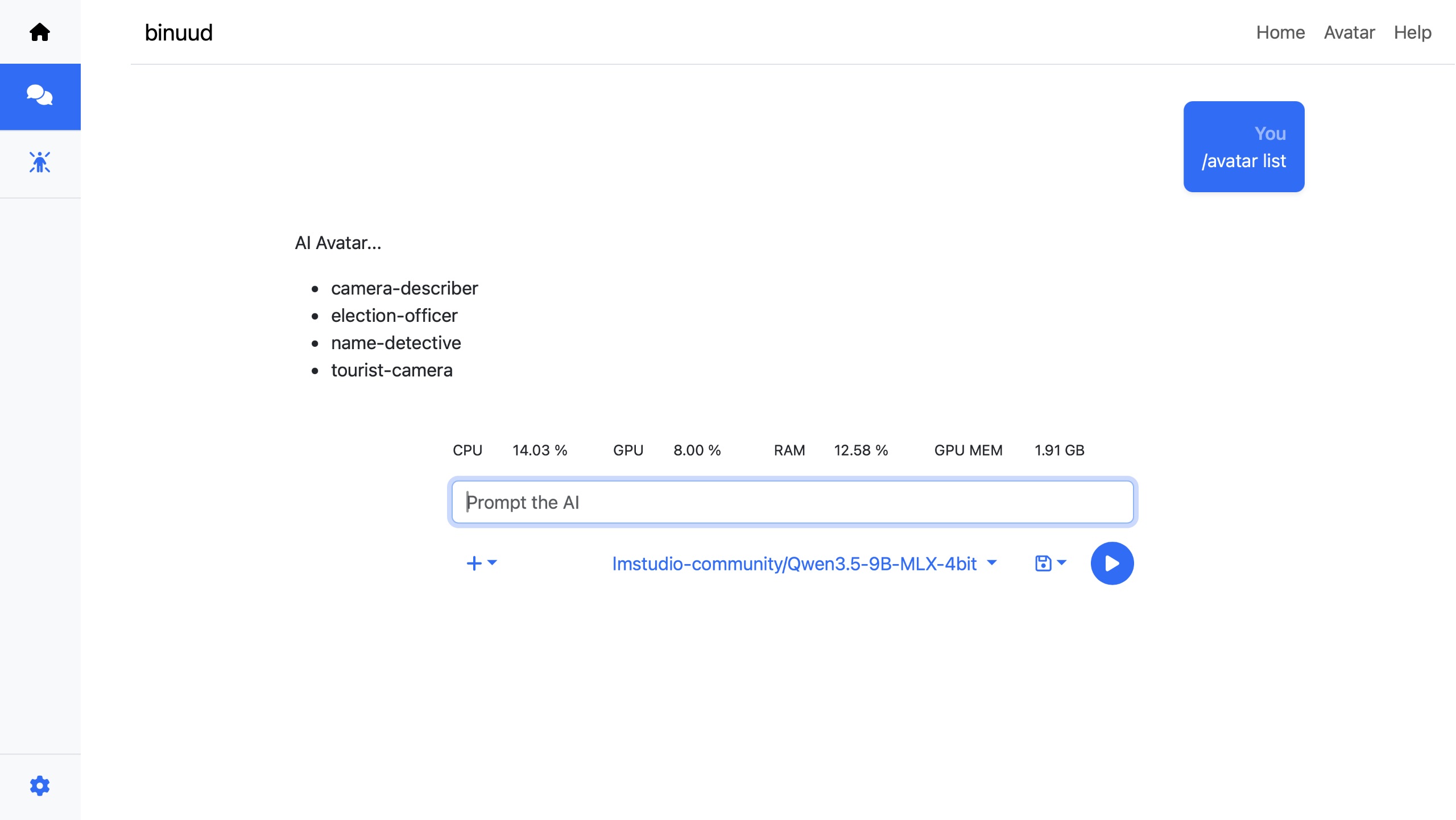
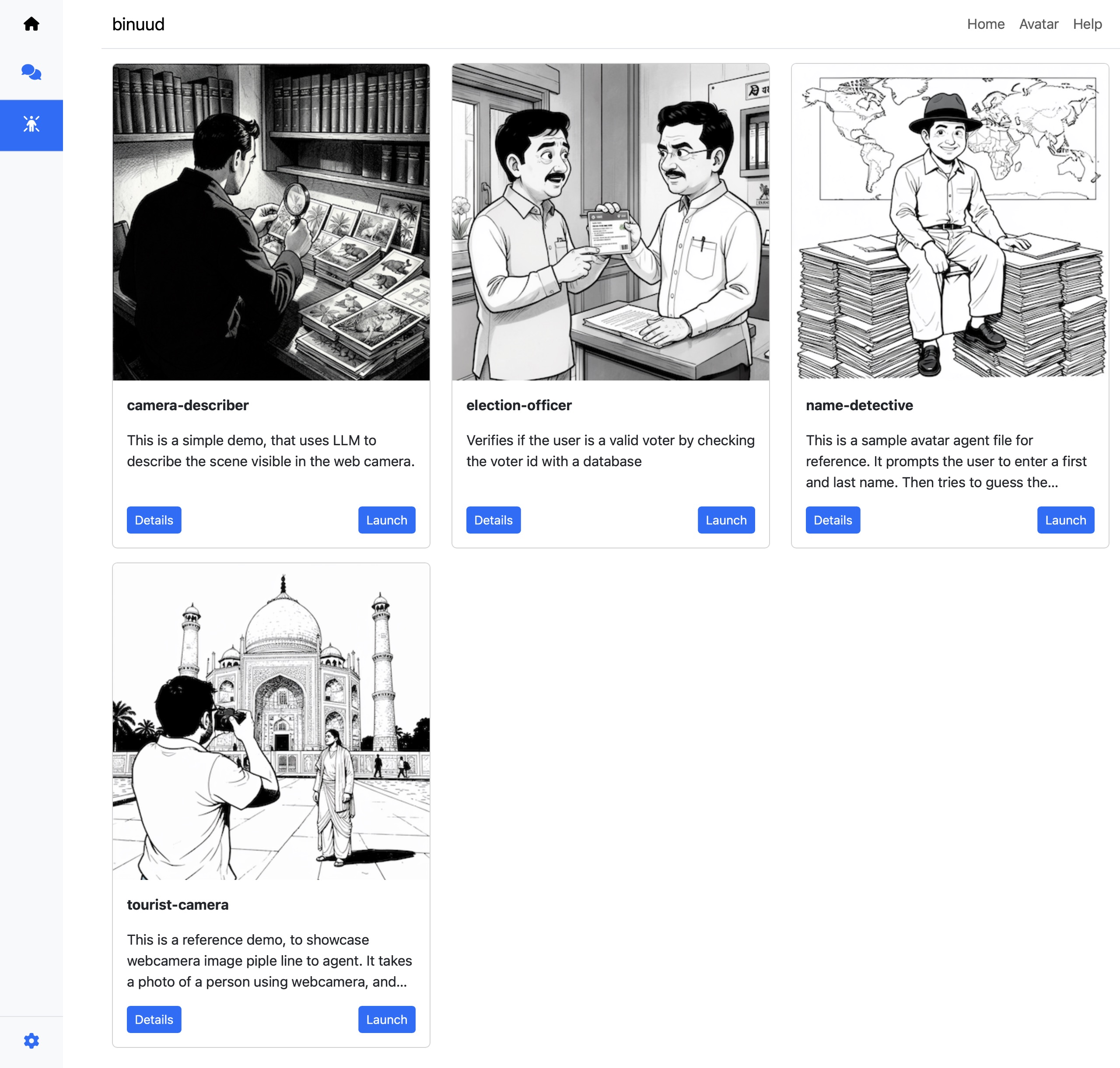
Click on the Avatar icon on the left hand side bar, to view all the Avatars in the store.
Note: New Avatar Agent.md files needs to be built, before it can be used.
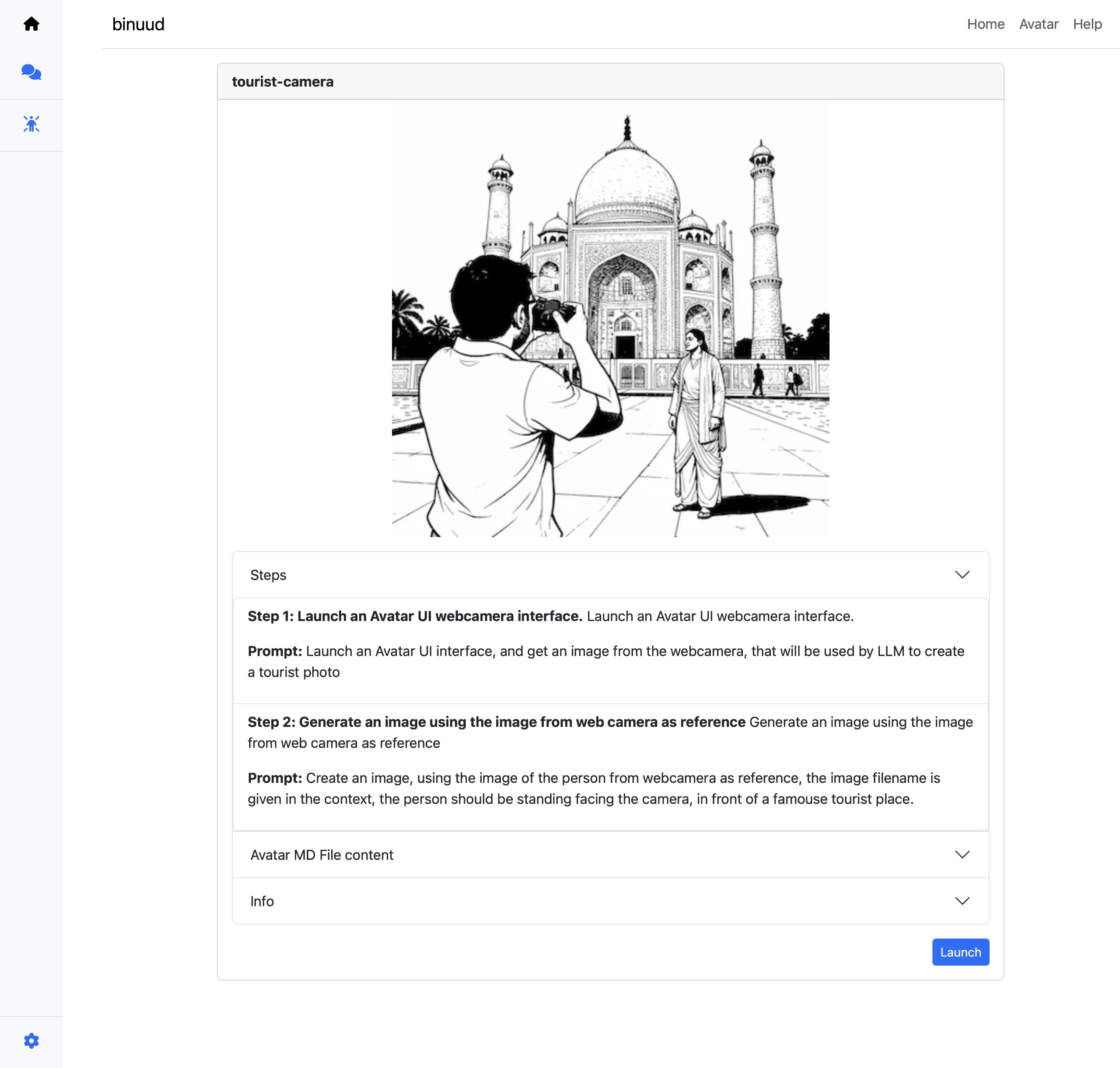
Clicking on the “Details” button, takes the user to a detailed view page, where the steps, that the Avatar Agent will run will be displayed. Avatars are different from normal AI Agents, since the control over them has to be minute.
The Steps section in the Accordion, displays the actual instructions that the LLM will run. These instructions are auto generated by the AI model, by reading and analysing the instructions given by the Human or another agent.
The ‘MD File Section’ in the Accordion will show details, on what the user had instructed the Avatar AI Agent to do.