AiChat
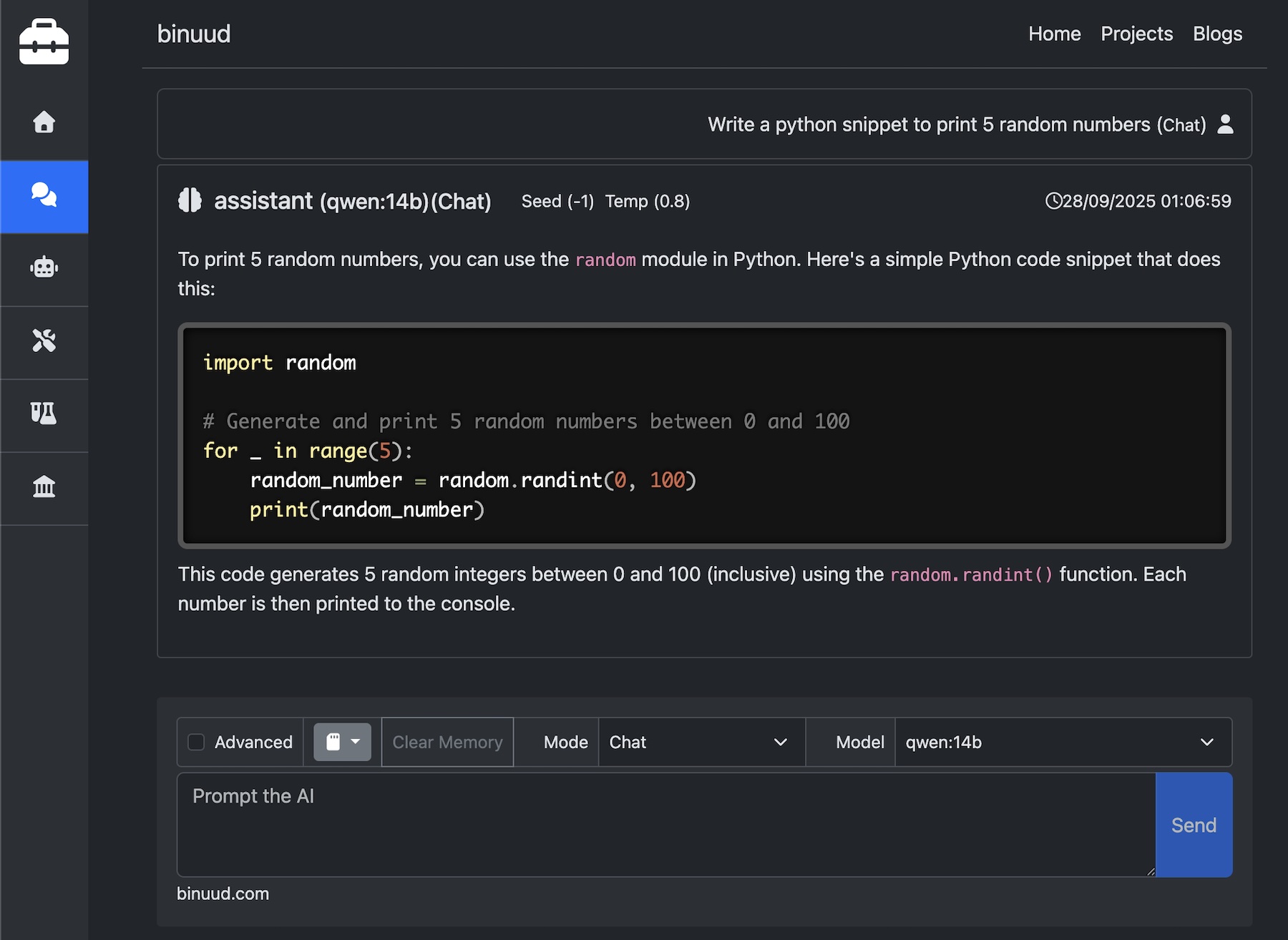
The Ai Chat page provides a UI, with rich features for interacting with LLM’s on your local machine.
Since the requests are Cross Origin Requests, that is, the browser is trying to connect to LLM in your local host, CORS has to be enabled on the LLM provider.
The image generation, RAG will be available on the local edition of this tool, shortly. This hosted version of the chat module supports Chat completions and Embedding generation.
Ollama
For Ollama, use the below commands to allow cors request from binuud.com. On mac and linux, use the below commands.
export OLLAMA_ORIGINS="https://binuud.com"
ollama serve
For windows
setx OLLAMA_ORIGINS "https://binuud.com"
ollama serve
Docker Model Runner
Docker Model Runner has the below issue.
CORS Failing on Docker Model Runner
Open Docker Desktop.
Navigate to Settings > AI >
Click on “Enable Docker Model Runner” Checkbox.
Then on the same page, Click on “Enable host-side TCP support” Checkbox.
Change the port value to “11434”
Select “CORS Allowed Origins” Dropdown to “All”
Browser Support
To utilize this feature, your local machine must host an LLM that’s compatible with the OpenAI API.
Please note that Safari may prevent access to http resources from https domains without a
valid SSL certificate for your local LLM server.
For using this tool, you might want to try Google Chrome or Firefox instead.
Opensource Availability
Working on the packaging. Coming Soon…